

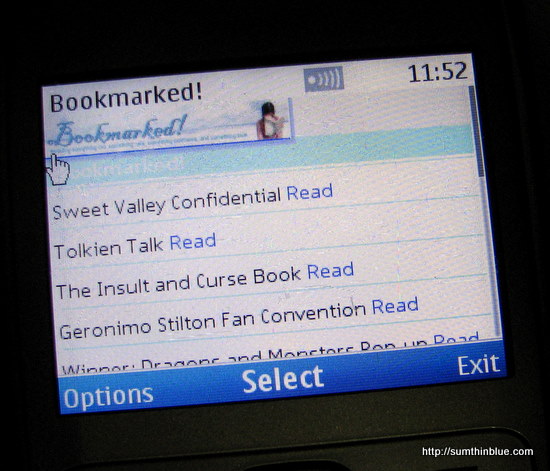
If you have a Nokia phone and you’re using Ovi for your apps, you can download Bookmarked! on the Ovi Store for FREE!

Just power up the Ovi feature of your Nokia phone and go to the Ovi Store and search “sumthinblue” to find the Bookmarked! app. Or via your computer, click on the banner above, which takes you directly to the app. Then, you can set it to your phone by following the instructions on the screen.
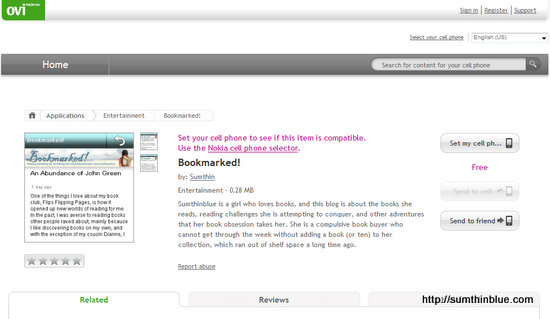
Many thanks to Macy Miranda of Nokia Ovi for setting up the app for me.

Wow! Galing! Hindi ka na ma-reach, Bloo. Hehe
And I do have a Nokia phone. I’ll try it later today. ^_^
Erm haha… on the contrary, it’s another way to reach Bookmarked! :)
wow bigtime ka na bloo congrats
:s
Congratulations dear! You should have attended the AFCC! Next year make sure you get the funds to travel here. Will be happy to host you. =)
I do hope my budget (and schedule!) can accommodate that next year!